|
Copy Pose |
||||
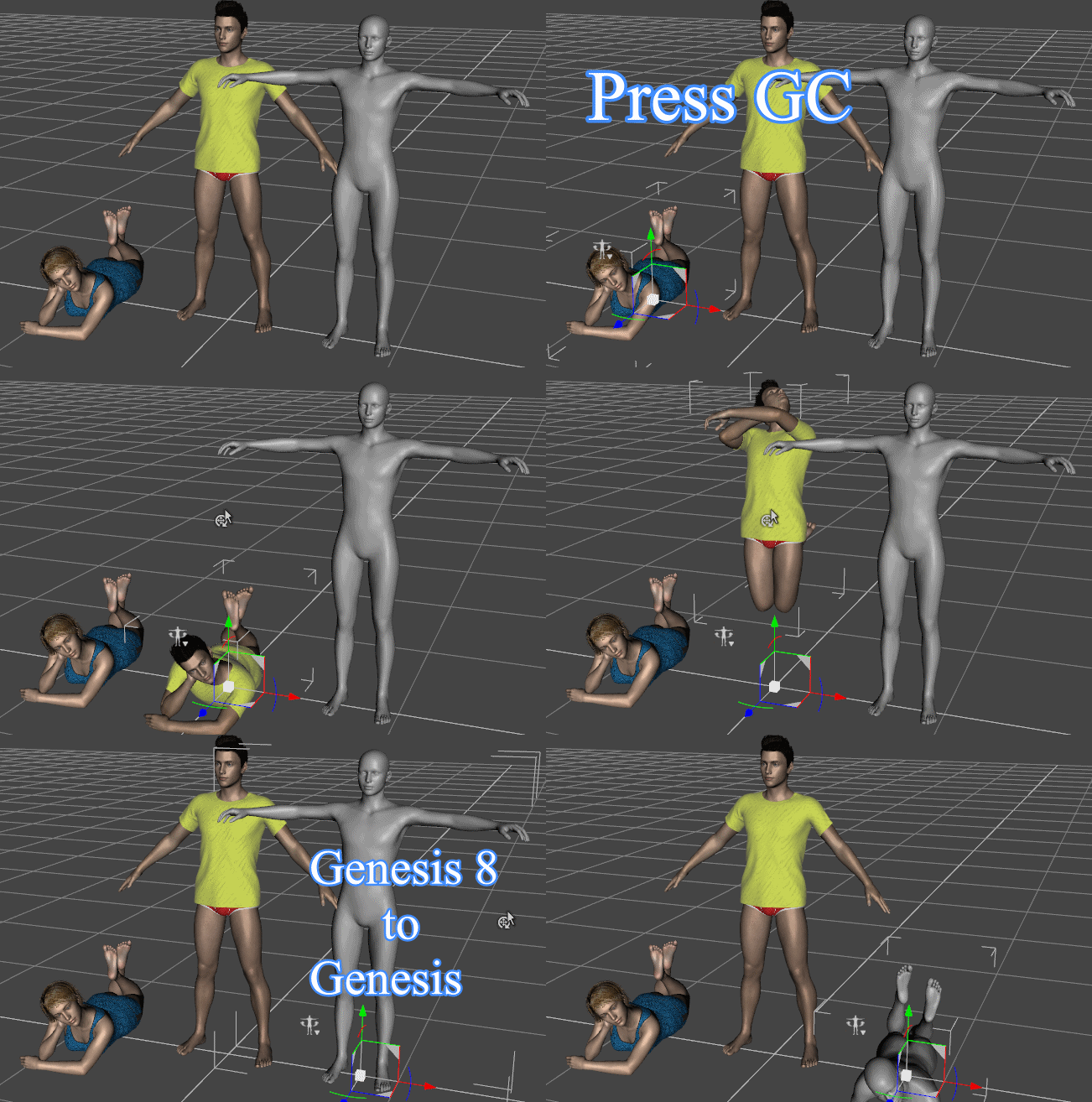
Copy and paste poses of one figure to the other (GC)
1. Select the figure or a node of the figure in the scene to copy pose by clicking it. 2. Press G and C key. 3. The copy mode is activated now. Paste poses of whole body (V N B)1. Select the figure in the scene to paste the pose. 2. Press V to paste poses. In this case, the figure position is not pasted. 3. Press N to paste poses. In this case, the figure position is pasted. 4. Press B to paste poses. In this case, the root node pose is not pasted. Paste poses partially (F)1. Select the node to paste poses. 2. Press F key. Then poses are pasted to all sibling nodes. Cancel copy modePress Esc key or right click in the scene.
|